
How to Vibe Code an Interactive Priority Matrix for Your Creative Projects
A customizable AI-powered tool with source code included

What’s an Action Priority Matrix?
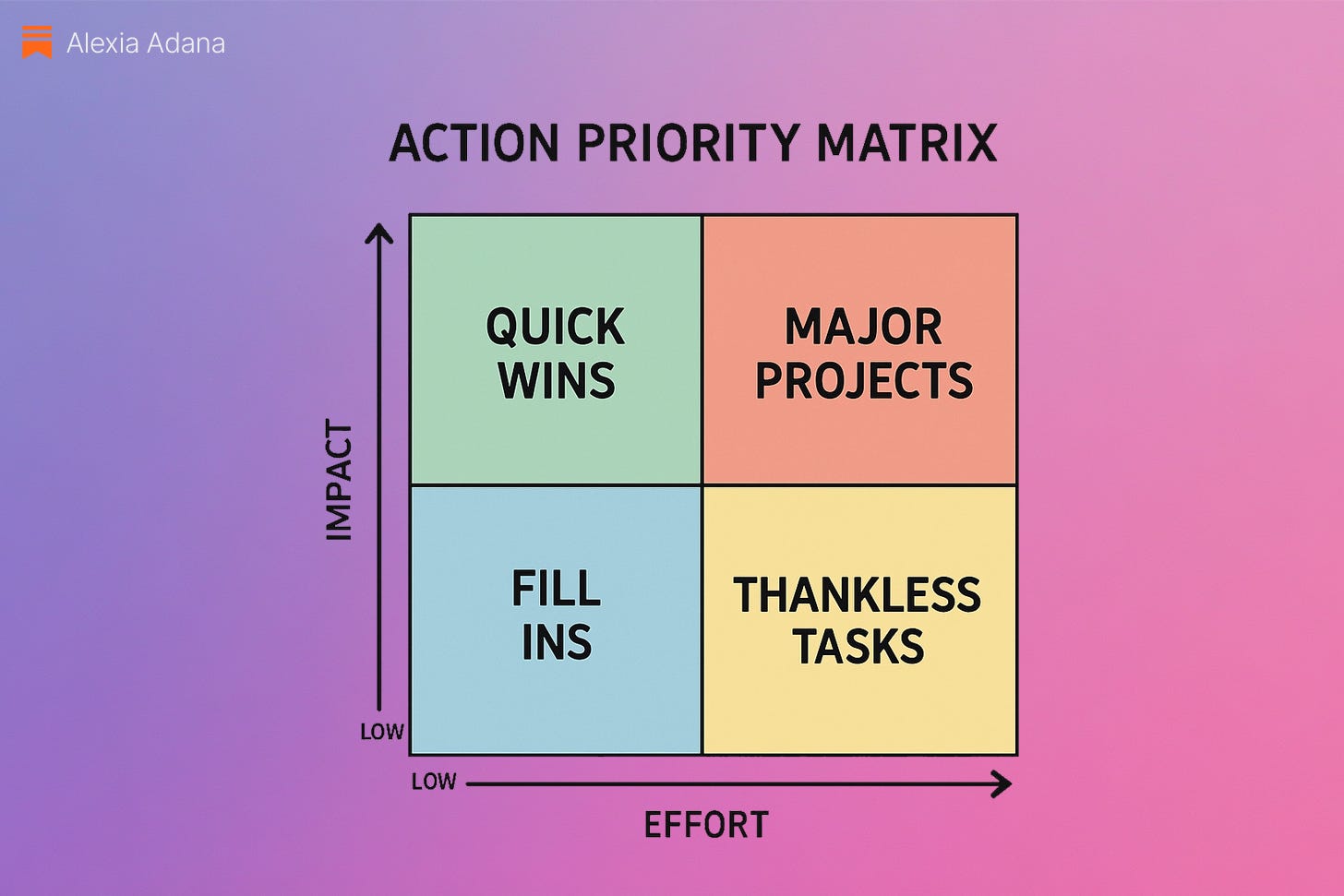
An action priority matrix helps you decide what to work on based on impact and effort. It’s split into four quadrants:
High Impact, Low Effort → Quick Wins
High Impact, High Effort → Major Projects
Low Impact, Low Effort → Fill-Ins
Low Impact, High Effort → Thankless Tasks
This is how I organize my own creative projects and stay on track. But there’s no priority matrix online that’s easily customizable and free. So I’ve built a visual tool with AI to help me be productive without friction.
You’ll get access to the full source code below so you can use it for your own projects. Detailed instructions are in this article if you’d like to design your own.
💻 What Tool Should You Use?
I recommend:
Lovable: My go-to AI agent for website builds. Its ability to collaborate with me in GitHub makes it stand out. Use my link to get extra credits.
Replit: Great if you’re more comfortable with coding or want more control.
You can use ChatGPT or Manus, but you’ll hit friction if you want to download the code or run it locally in your browser.
🧠 How to Build It
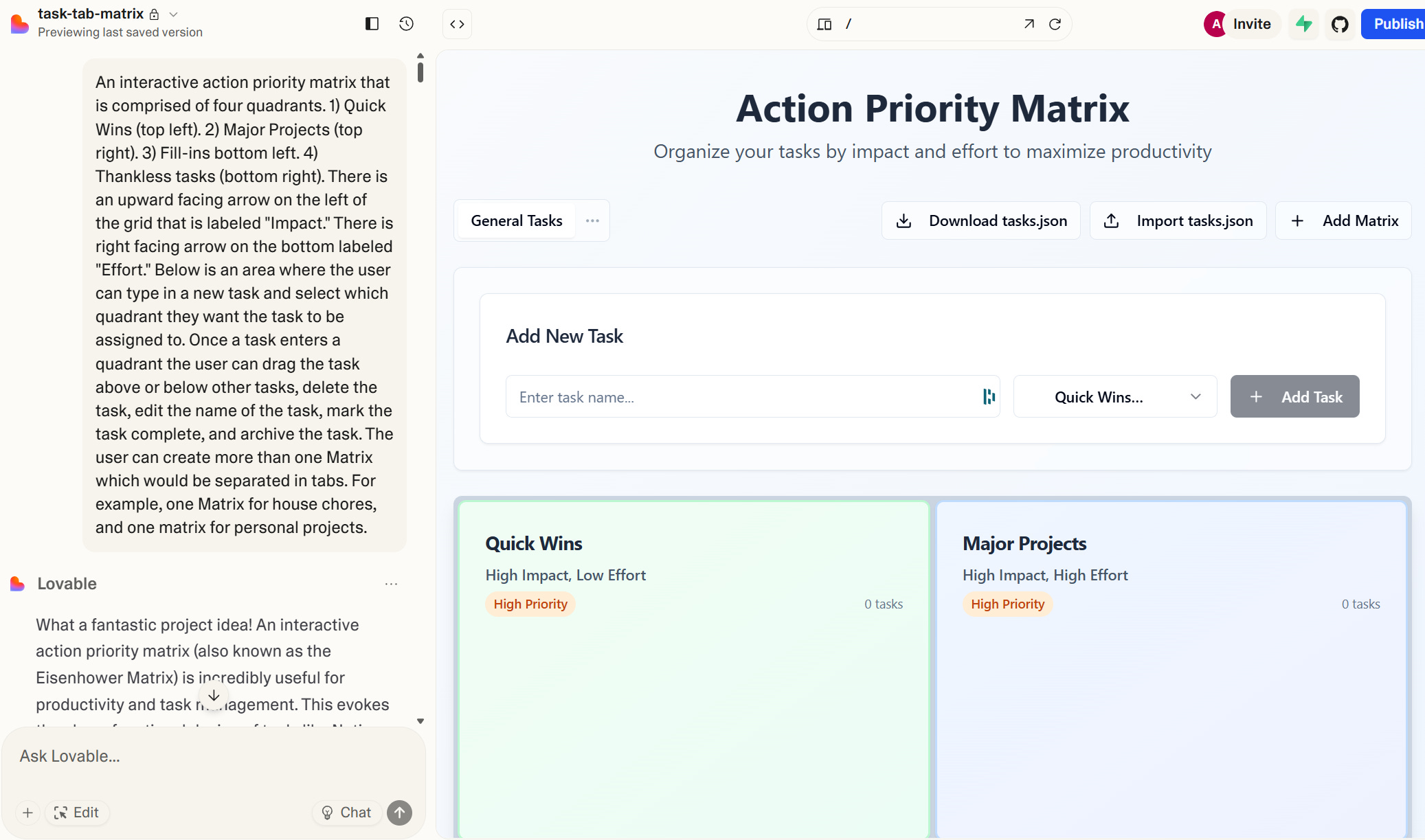
Here’s how I created mine using Lovable:
Upload a photo or sketch of a priority matrix for visual reference
Describe the structure and provide detailed instructions (prompt above):
Four quadrants, same layout every time
Customize labels (e.g., you can change “Quick Wins” to “DO THIS NOW”)
Customize UI:
Colors
Fonts
Background or container style
Add hover or tooltip interactions (optional)
✍️ Once it’s designed and functional, here’s how it works:
✅ Add tasks and assign them to one of four quadrants (High/Low Effort × High/Low Impact)
🔄 Move tasks freely between quadrants as things shift
🗑️ Rename or delete tasks easily
🗂️ Create multiple matrixes for different projects, clients, or categories (e.g., work, freelance, personal)
💾 Download your tasks as a JSON file to save your work between sessions
🛠 How To Deploy It Locally (No Dev Needed)
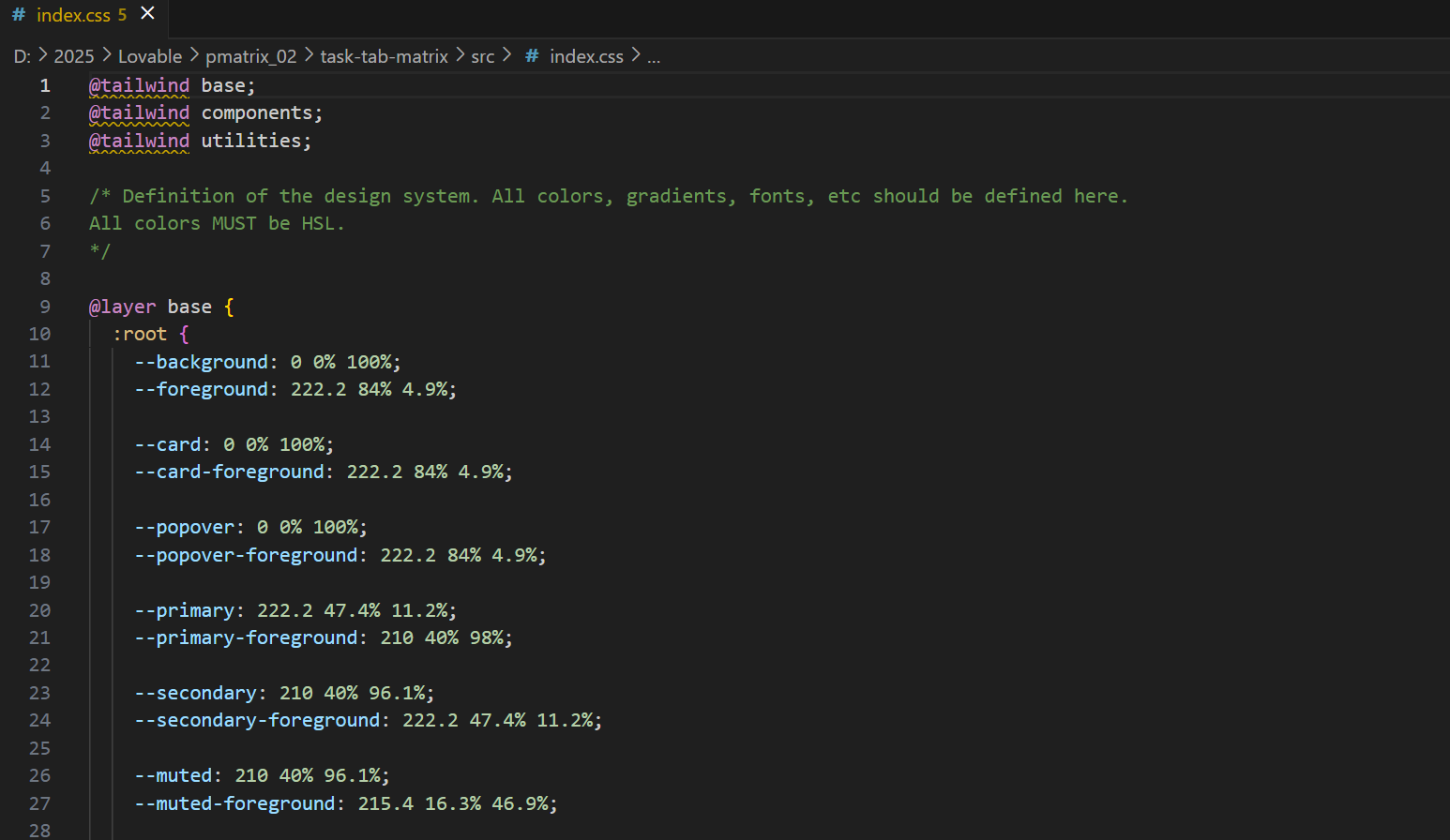
You. have access to the full code so you can use it for your own projects. And if you know how to code, you can improve it however you’d like.
📁 The files are hosted in a private Google Drive folder.
🔗 Download Action Priority Matrix Code
Inside, you'll get:
The editable matrix source code (HTML, CSS, JS)
A
READMEwith full setup instructionsThe original
tasks.jsonfile
Important:
Because this runs locally, make sure to download your tasks.json file before closing the localhost tab and replace the existing file in your folder. This is how your tasks stay saved across sessions.
Useful? Want More?
If you try this, let me know how it goes.
Should I build more of these vibe-coded tools for creative prioritization, idea triage, or launch planning?
👇 Comments are open. Let’s make tools that work for us together.
About the Author
Alexia Adana is a creative director, visual artist, and the creator of Bloomchild, an immersive storytelling universe blending narrative design and emerging technology. Through The Creative AI World, she shares behind-the-scenes workflows, worldbuilding rituals, and AI-powered creative systems for artists and innovators.
🌐 Website
🎥 YouTube